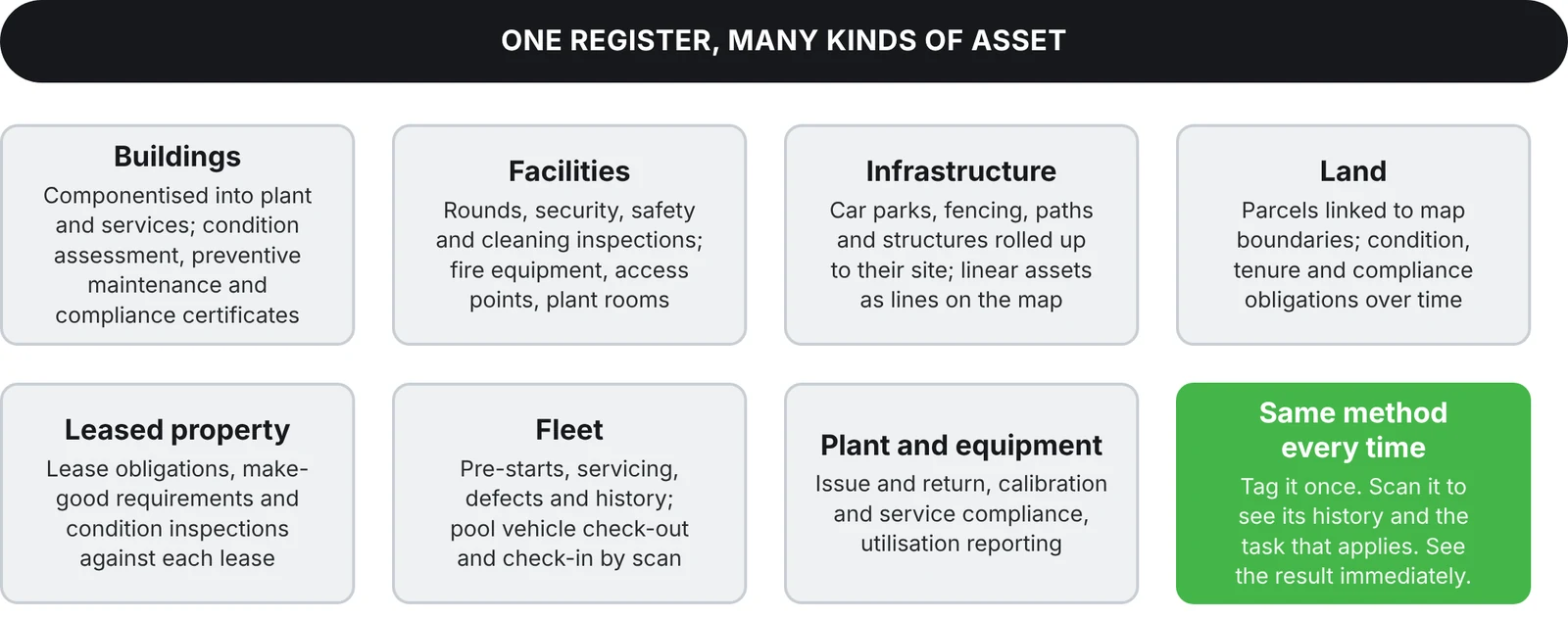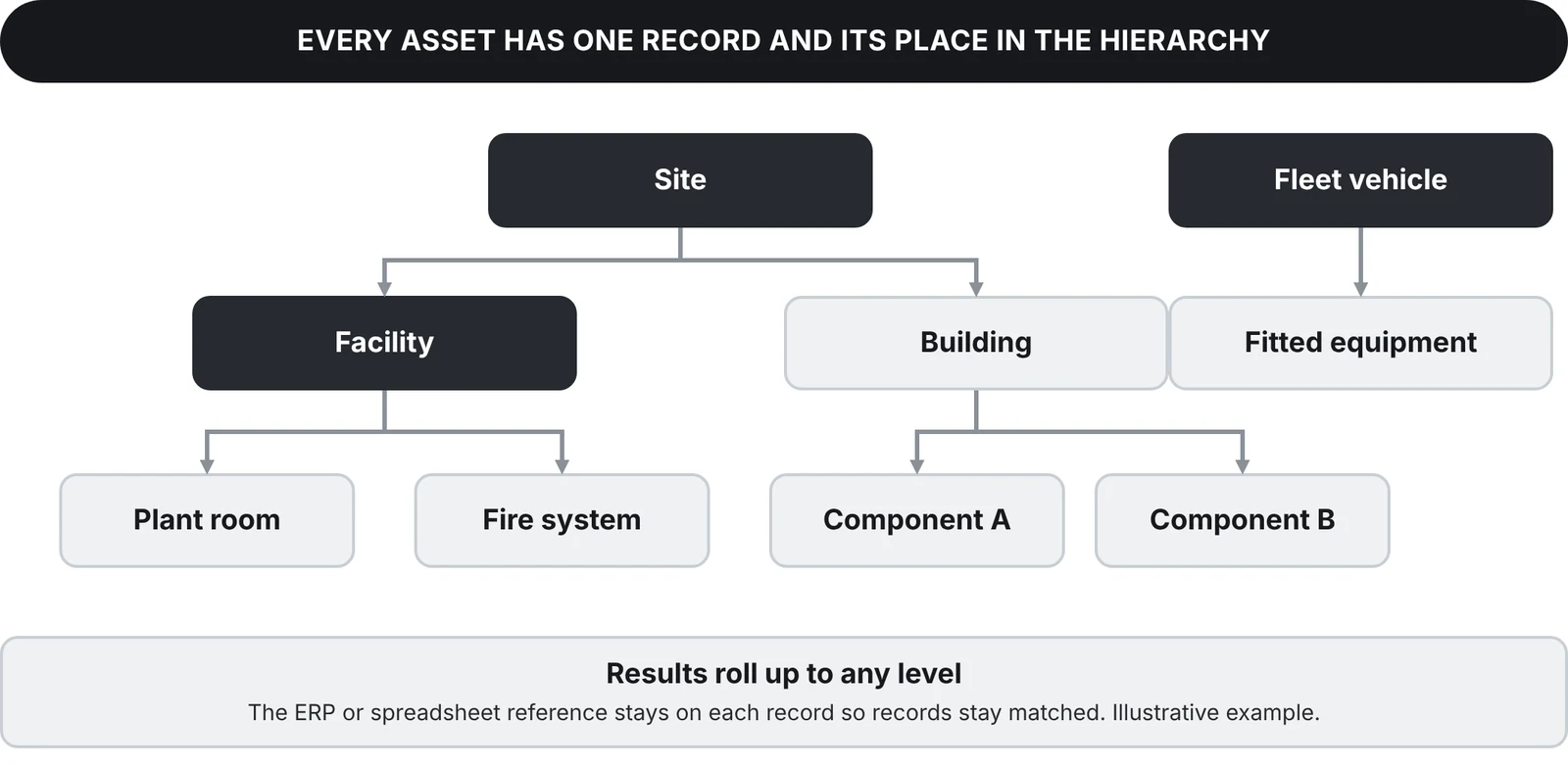
Whatever the asset, the method is the same: tag it once, scan it to see its history and the task that applies, and see the result immediately. Only the tag, the form and the report change from one asset class to the next.
One register for every kind of asset
- Buildings. Componentise a building into its plant and services. Tag each component for condition assessment, preventive maintenance and compliance certification, and raise work orders against the building or the component.
- Facilities. Rounds, security, safety and cleaning inspections, with fire equipment, access points and plant rooms in the same register.
- Infrastructure. Car parks, fencing, pathways and structures roll up to their site. Linear assets show as lines on the map, and remote assets keep their own inspection regime.
- Land. Link parcels to boundaries on the map, and track condition, tenure and compliance obligations over time.
- Leased property. Track lease obligations, make-good requirements and condition inspections against each lease.
- Fleet. Pre-starts, servicing, defect reporting and service history, with fitted equipment as child records. Pool vehicle check-out and check-in by scan captures the driver, odometer, fuel and purpose, and GPS tracking is available where it is fitted.
- Plant and equipment. Issue and return, calibration and service compliance, and utilisation reporting to find under-used equipment.
Contractors and many sites
Many sites, many kinds of asset and most of the work done by contractors is where a single register matters most. Contractors scan the same tags, complete the same forms and leave evidence of their work in your register. Staff and contractors can be added without increasing your licence cost.
Run it alongside your ERP, or as your CMMS
EXTAG can connect to your ERP or work as your CMMS for these assets. See EXTAG as your CMMS and EXTAG and your ERP.
How it works on site
- Tag it. Attach an NFC tag or QR label to the asset or location.
- Scan it. Scan with any phone, pick the activity and complete the smart form.
- See it. Status and history show on the map and in reports straight away, with the location updated from the scanning device's GPS or set by a pin on the map.
The same method for every asset class